(define-minor-mode mode-line-invisible-mode
  "Toggle the mode-line visibility of the current buffer.
Hide the mode line if it is shown, and show it if it's hidden."
  :global nil
  :group 'mode-line
  (if mode-line-invisible-mode
      (progn
        (add-hook 'after-change-major-mode-hook #'mode-line-invisible-mode nil t)
        (setq mode-line-invisible--buf-state
              (buffer-local-set-state mode-line-format nil)))

    (remove-hook 'after-change-major-mode-hook #'mode-line-invisible-mode t)

    ;; Restore buffer mode line if buffer had one by default
    (when mode-line-invisible--buf-state
      (setq mode-line-invisible--buf-state
            (buffer-local-restore-state mode-line-invisible--buf-state)))

    ;; Otherwise display one
    (unless mode-line-format
      (setq-local mode-line-format (default-value 'mode-line-format)))

    ;; Update mode line
    (when (called-interactively-p 'any)
      (force-mode-line-update))))
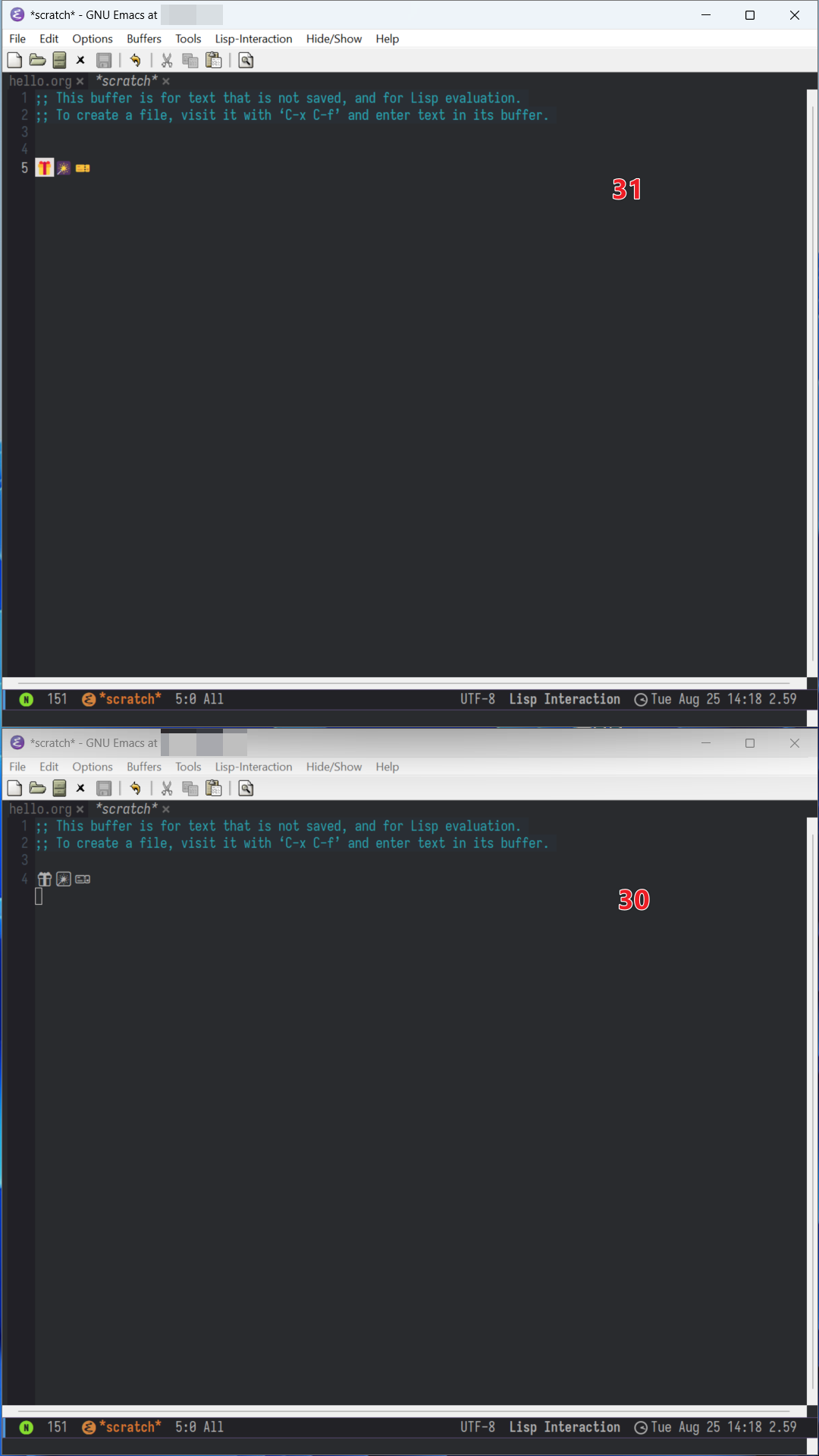
Emacs on MS-Windows now supports color fonts.
On Windows 8.1 and later versions, Emacs now uses DirectWrite to draw
text, which supports color fonts. This can be disabled by setting the
variable ‘w32-inhibit-dwrite’ to t. Also see ‘w32-dwrite-available’ and
‘w32-dwrite-reinit’ to check availability and to configure the
DirectWrite rendering parameters.
To show color Emojis in Emacs, customize the default fontset to use a
color Emoji font installed on your system for the ‘emoji’ script.