--- a/window.c	2025-01-04 19:05:30
+++ b/window.c	2026-01-05 20:52:31
@@ -8099,6 +8099,53 @@
   (Lisp_Object window)
 {
   return decode_live_window (window)->cursor_type;
+}
+
+DEFUN ("window-cursor-info", Fwindow_cursor_info, Swindow_cursor_info,
+       0, 1, 0,
+       doc: /* Return information about the cursor of WINDOW.
+WINDOW must be a live window and defaults to the selected one.
+
+The returned value is a vector of 6 elements:
+  [TYPE X Y WIDTH HEIGHT ASCENT]
+where
+  TYPE is the symbol representing the type of the cursor.  See
+    `cursor-type' for the meaning of the value.
+  X and Y are pixel coordinates of the cursor's top-left corner, relative
+    to the top-left corner of WINDOW's text area.
+  WIDTH and HEIGHT are the pixel dimensions of the cursor.
+  ASCENT is the number of pixels the cursor extends above the baseline.
+
+If the cursor is not currently displayed for WINDOW, return nil.
+
+Note that any element except the first one in the returned vector may be
+-1 if the actual value is currently unavailable.  */)
+  (Lisp_Object window)
+{
+  struct window *w = decode_live_window (window);
+
+  if (!w->phys_cursor_on_p)
+    return Qnil;
+
+  /* Default values for TTY frames.  */
+  int phys_cursor_width = 1, phys_cursor_height = 1, phys_cursor_ascent = 1;
+
+#ifdef HAVE_WINDOW_SYSTEM
+  struct frame *f = XFRAME (WINDOW_FRAME (w));
+  if (FRAME_WINDOW_P (f))
+    {
+      phys_cursor_width = w->phys_cursor_width;
+      phys_cursor_height = w->phys_cursor_height;
+      phys_cursor_ascent = w->phys_cursor_ascent;
+    }
+#endif
+  return CALLN (Fvector,
+                w->cursor_type,
+                make_fixnum (w->phys_cursor.x),
+                make_fixnum (w->phys_cursor.y),
+                make_fixnum (phys_cursor_width),
+                make_fixnum (phys_cursor_height),
+                make_fixnum (phys_cursor_ascent));
 }


@@ -9036,5 +9083,6 @@
   defsubr (&Swindow_parameter);
   defsubr (&Sset_window_parameter);
   defsubr (&Swindow_cursor_type);
+  defsubr (&Swindow_cursor_info);
   defsubr (&Sset_window_cursor_type);
 }
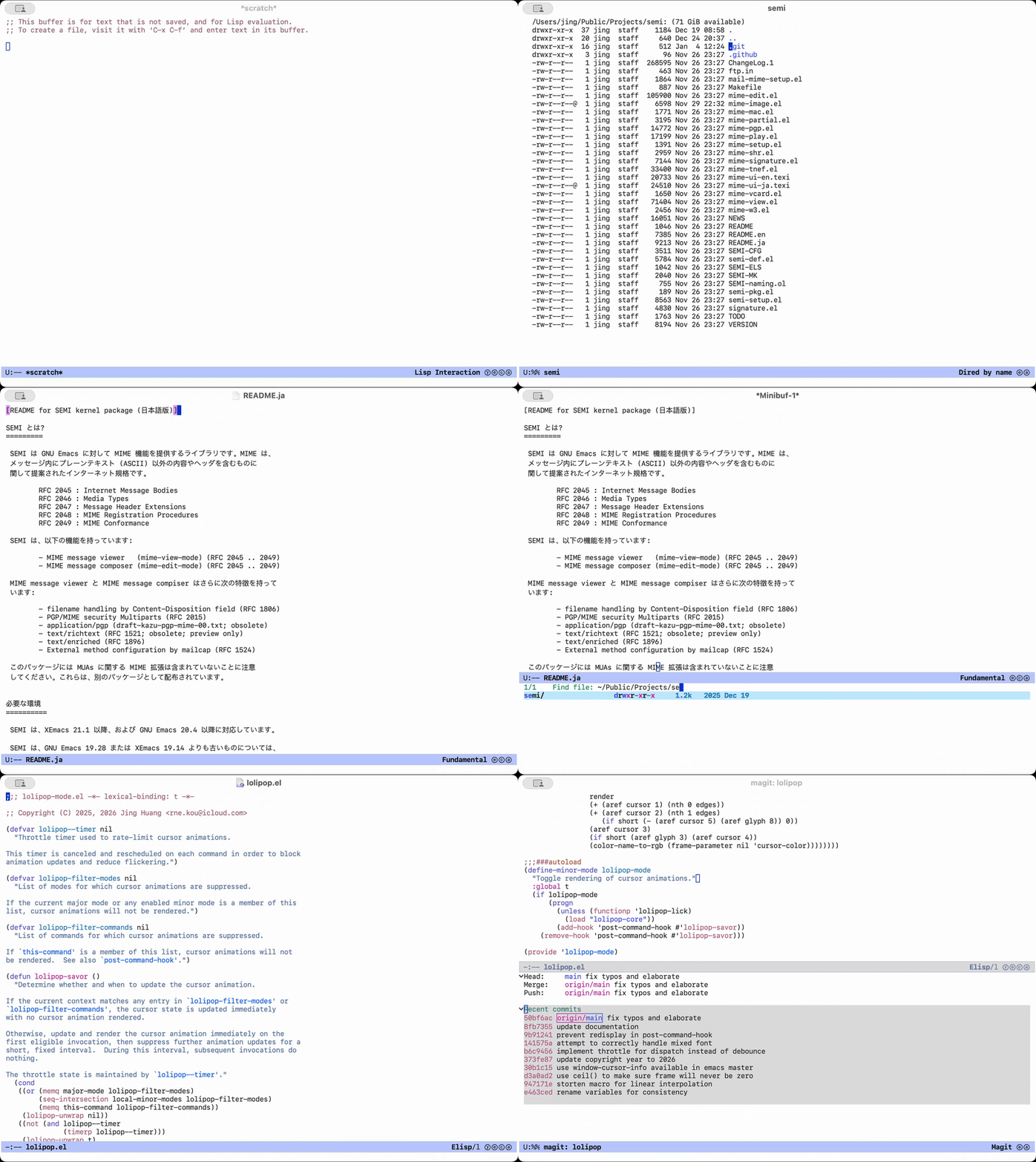
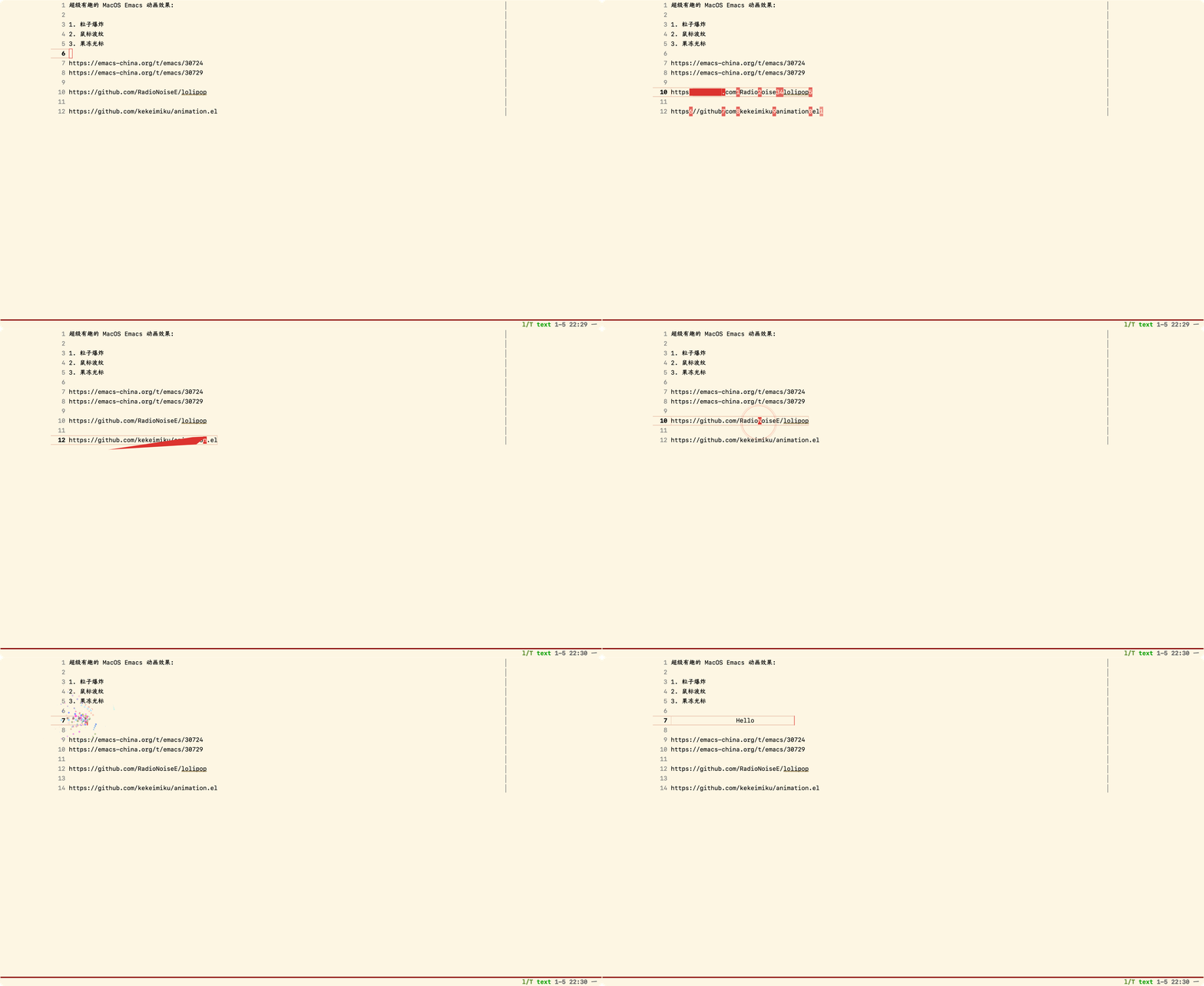 上传一个糊版的 GIF,给群友看看效果。