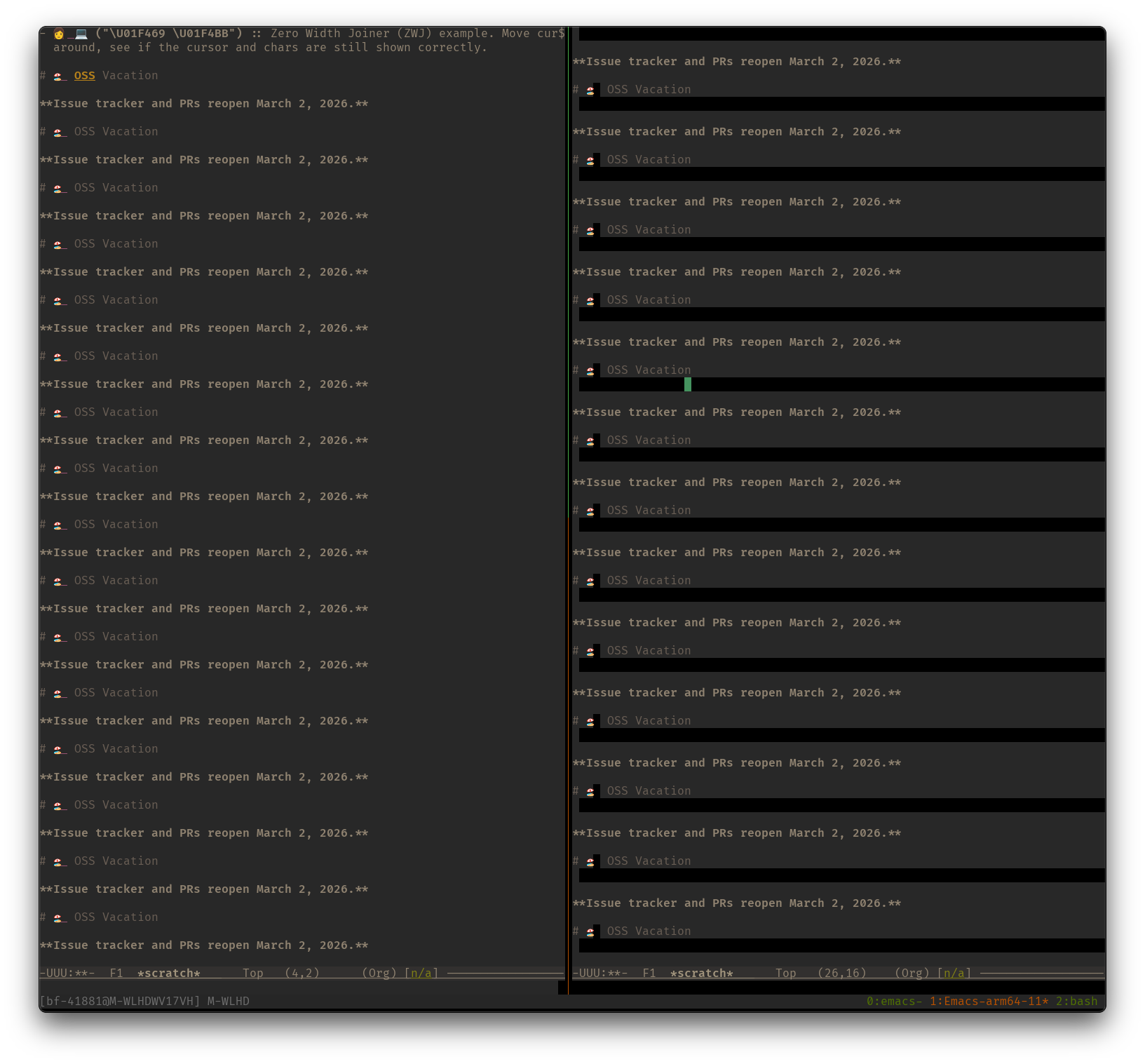
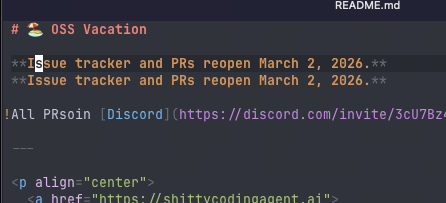
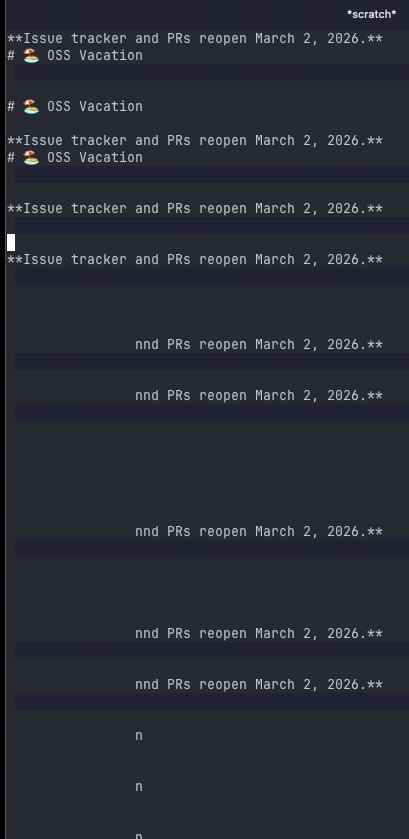
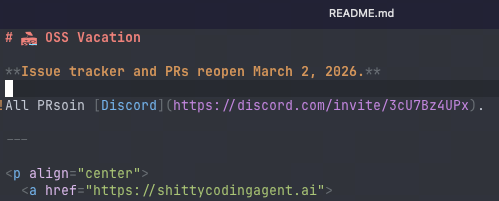
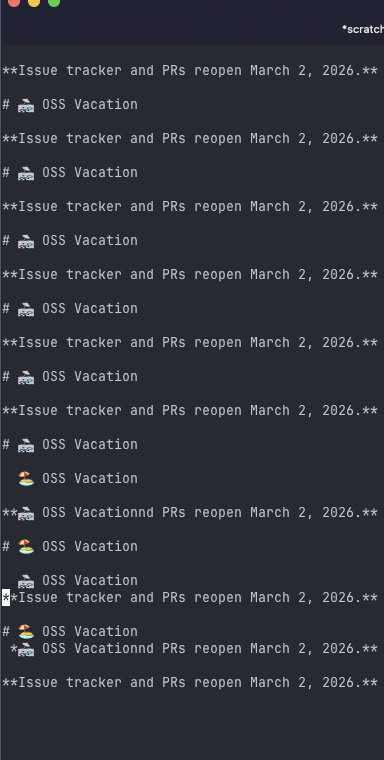
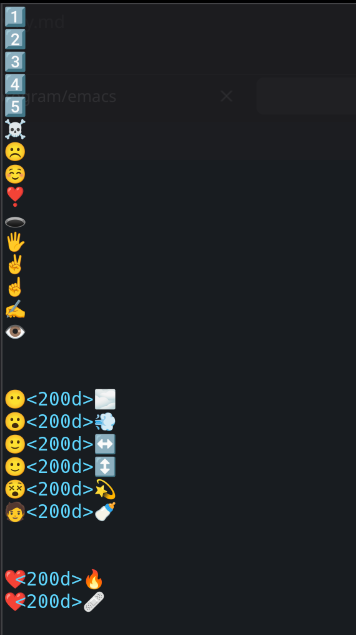
When running Emacs in a terminal, cursor movements may garble the display of the buffer’s content if it contains emojis, particularly those using Zero Width Joiners (ZWJ).
To prevent this issue, please disable auto-composition-mode as shown below. Please note that as a trade-off, ZWJ emojis will render as multiple distinct characters rather than a single combined image. See [[file:emacs-unicode examples.org][my unicode examples]].
NOTE: disabling it on the fly does not work very well, must restart Emacs.
*NOTE:* To avoid display errors that might block editing, please store this
snippet outside the main Emacs configuration file.
Move cursor around and press ~C-l~, see if the cursor and chars are still
displayed correctly.
- 平安喜乐 :: Chinese characters
- 😃 (\u01F603) :: Smiling face with open mouth,
- 🏖 (\u1F3D6) :: This symbol(🏖) renders as a single-width character unless
followed by a trailing space, which allows it to expand to two characters
wide as demonstrated by "🏖 ".
+ This symbol originates from an older set of pictograph. When it stands
alone, the Unicode standard dictates that it should default to a /text
presentation/ (usually rendered as a flat, black-and-white icon, similar to
a standard font character). While modern terminal emulators are smart enough
to draw it as a wide graphical emoji anyway, Emacs's core C code strictly
follows the baseline Unicode definitions for character width and register
this one as 1.
- 👩💻 (\u01F469 \u200D \u01F4BB) :: Woman + Zero Width Joiner (ZWJ) + Personal
Computer
- 🏖️ (\u1F3D6 \uFE0F) :: Beach with Umbrella + Variation Selector 16
This symbol originates from an older set of pictograph. When it stands
alone, the Unicode standard actually dictates that it should default to a
/text presentation/ (usually rendered as a flat, black-and-white icon,
similar to a standard font character). While modern terminal emulators are
smart enough to draw it as a wide graphical emoji anyway, Emacs’s core C
code strictly follows the baseline Unicode definitions for character width
and register this one as 1.
AI也给出了解决方法,不过经我测试,好像不管用。
Applying a width of 2 to a massive Unicode block (#x1F300 to #x1F5FF) is a blunt instrument. That range contains hundreds of characters, and your terminal emulator likely renders some of them as strictly single-width (1 column). Instead of forcing an entire block, it is much safer to target only the specific characters that are causing issues in your specific terminal/font setup.
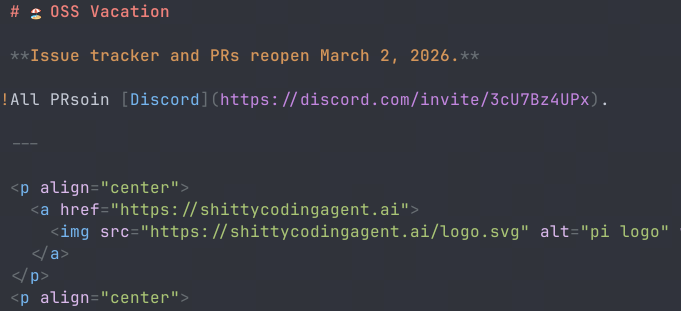
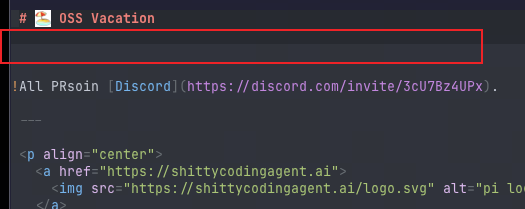
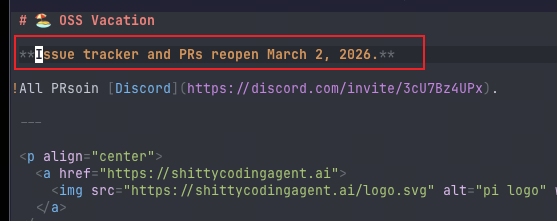




 只占一个字符宽度;2)带ZWJ的emoji ,例如