说起来Linux桌面很多ui也很大圆角
这个确实很不适应
我刚开始也卡顿了,后面把所有文件清空重新编译一遍 emacs 就好了(虽然不理解为什么
请问清空所有文件是怎么做的,我也想试试 
重新编译圆角才会变得一致,否则看起来怪怪的
是emacs-plus的话,可以用brew cleanup --prune=all.
我是自己手动编译安装的,可以直接看下 make help 里面内容选择一下就可以
make all              -- compile and build Emacs
make install          -- install Emacs
make TAGS             -- update tags tables
make clean            -- delete built files but preserve configuration
make mostlyclean      -- like 'make clean', but leave those files that
                         usually do not need to be recompiled
make distclean        -- delete all build and configuration files,
                         leave only files included in source distribution
make maintainer-clean -- delete almost everything that can be regenerated
make extraclean       -- like maintainer-clean, and also delete
                         backup and autosave files
make bootstrap        -- delete all compiled files to force a new bootstrap
                         from a clean slate, then build in the normal way
make uninstall        -- remove files installed by 'make install'
make check            -- run the Emacs test suite
make docs             -- generate Emacs documentation in info format
make html             -- generate documentation in html format
make ps               -- generate documentation in ps format
make pdf              -- generate documentation in pdf format
或者更暴力一点直接在 emacs 原 repo 里面直接 rm -rf * && git reset --hard 之后直接重新 build 就可以了
macos 的 emacs 我应该一直没有 install 到整个系统上所以清理起来简单一点
=== Edit
刚才忘记说了,也最好清空一下 .emacs/* (注意所有插件要重新装),我自己猜是之前 native-comp 编译的 binary 在系统更新后有些东西 break 了
升级后你们重新编译过 Emacs?
要重新编译,否则窗口圆角都不一样,看着别扭。如果只用TUI就没关系了。
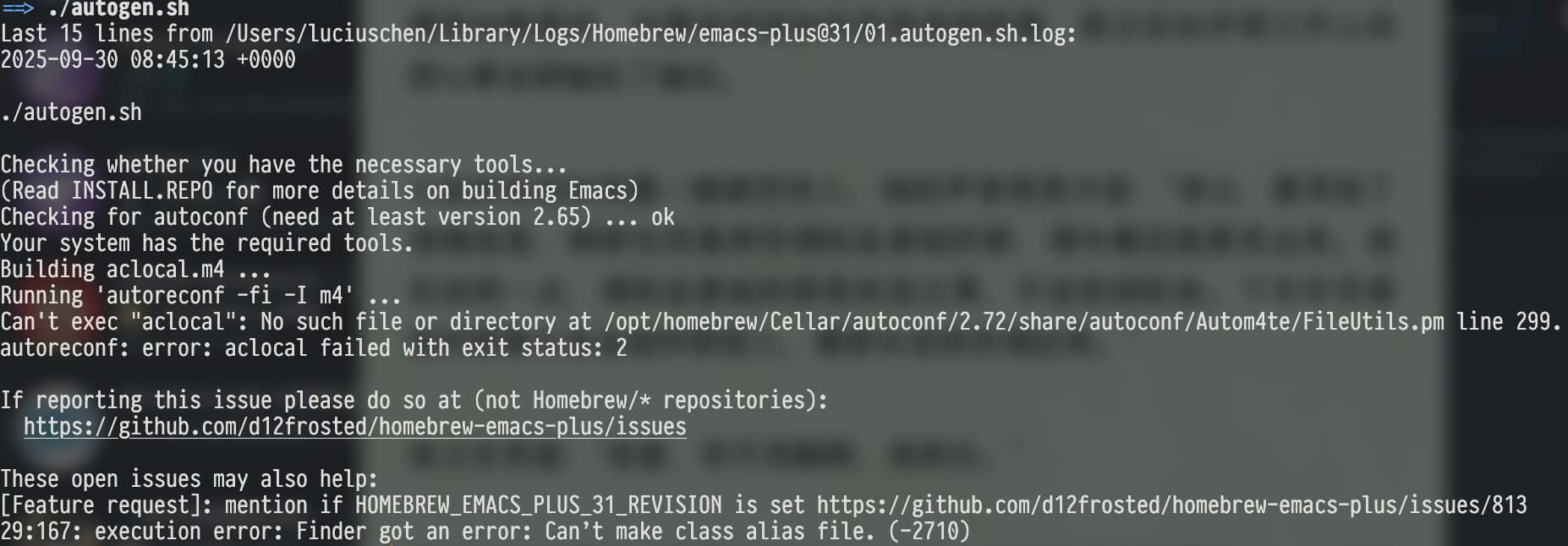
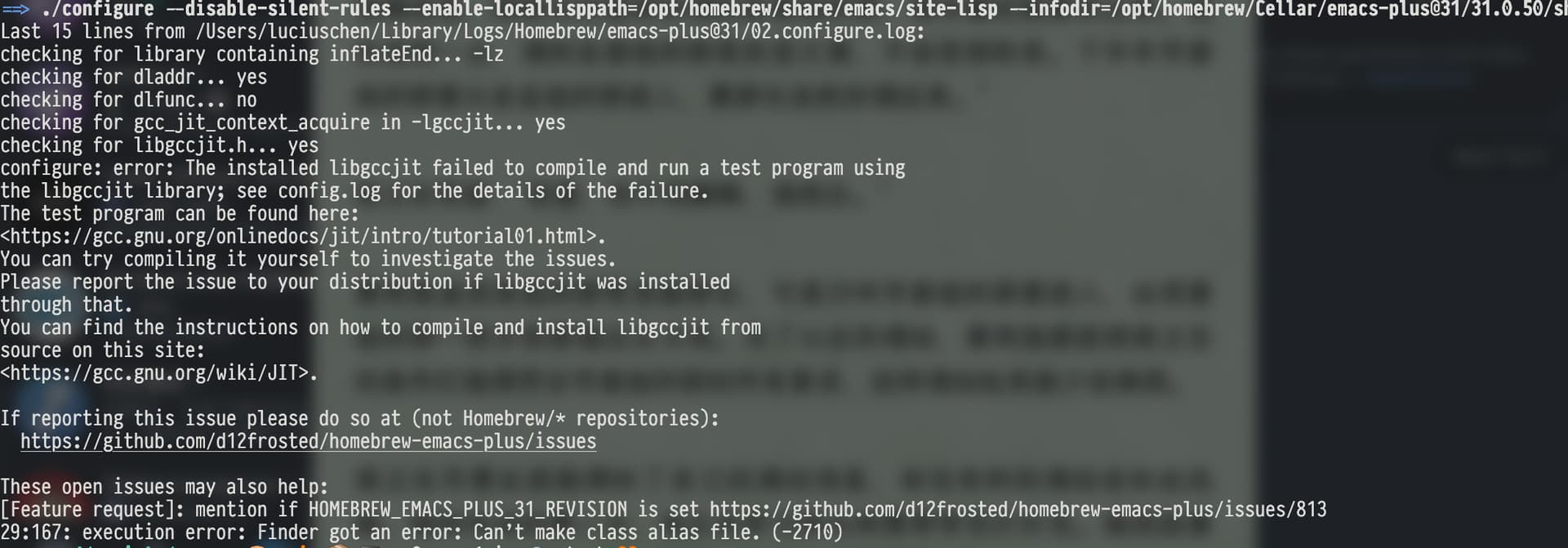
我还用的30.2,编译没有问题。master有可能会有问题,可以看看有没有issue。
奇怪,我30编译和 master 编译一样的错误
升到 26.0.1 后 Safari 和 Emacs 频繁风火轮
重新装了 Homebrew 就好了,但是 igc 分支还是编译不了。
确实
我重新编译了一下emacs-plus还是圆角不一样 
没升级SDK吧,升级下command tool或者xcode
升了。升完系统的第一件事就是升级Xcode
igc分支编译有个assert报错,看不懂,算了,先用着master分支吧。
最近 igc 分支集成了 mps 代码,应该能通过编译了。